



CO2 Laser Engrave On Ceramic Products
CO2 lasers etch ceramic commodities
Products Description
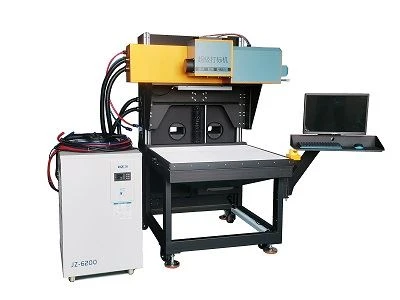
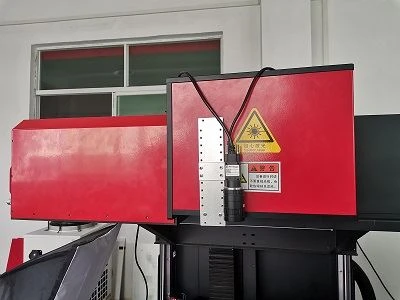
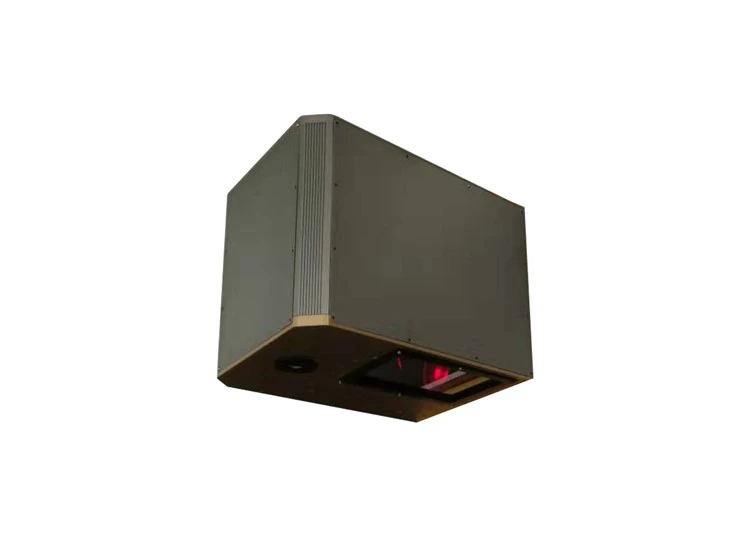
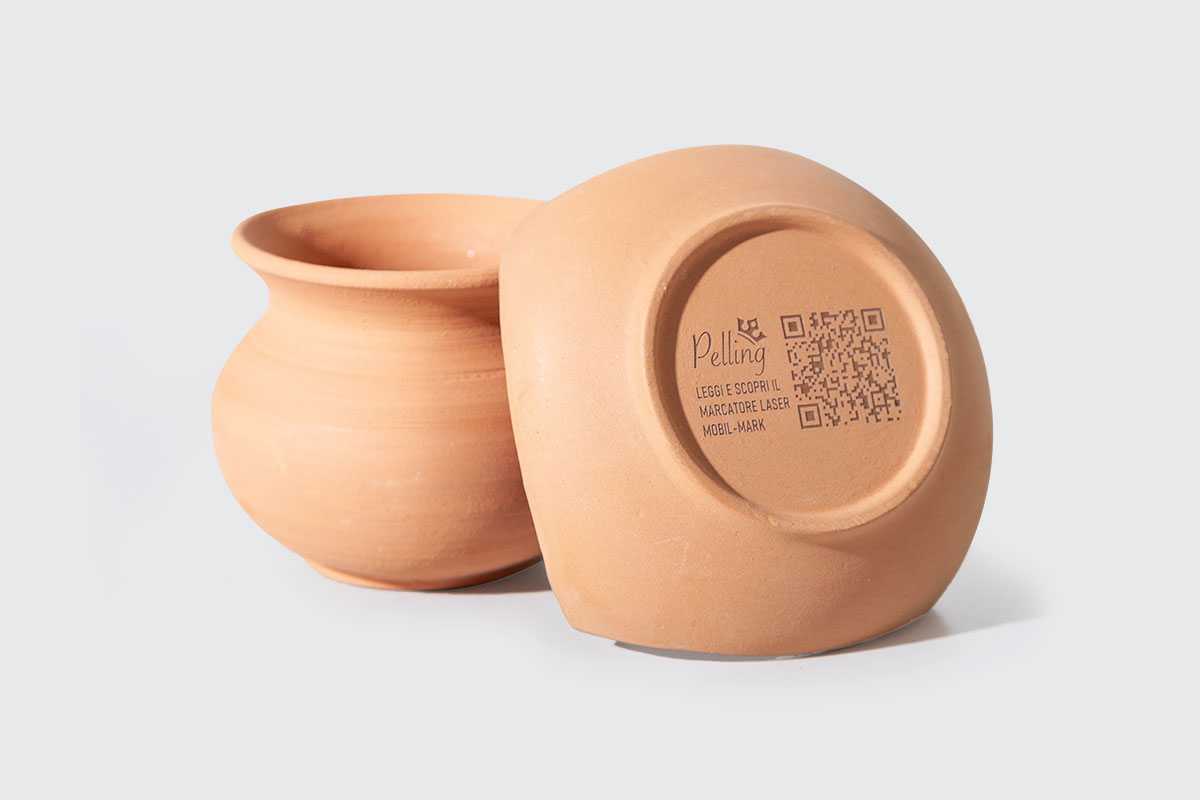
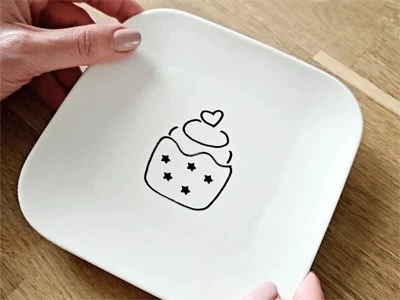
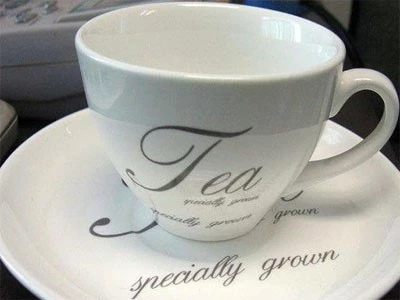
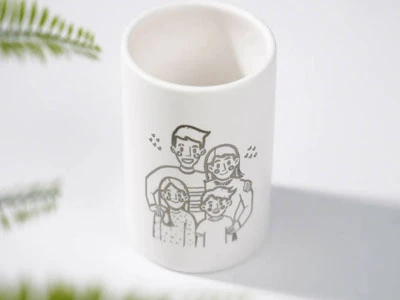
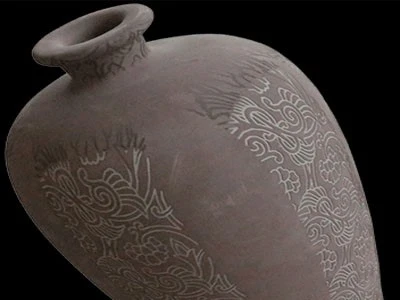
The CO2 laser marker is an optimal solution for engraving ceramic commodities. The laser beam's high energy output ensures that the etching process is fast, accurate, and produces a consistent depth across the entire design. CO2 etching on ceramic commodities has proven to be an excellent way of creating customized and personalized designs for different applications. It can be used to carve logos, names, images, and patterns on various ceramic materials, such as tiles, mugs, plates.
Benefits of Ceramic Laser Engraving
Economic tool
Using a marking tool to engrave ceramic is a optimal choice through years of experience. Non contact won't damage the materials and less consumables.
High Contrast and Damage Free Engraving
Ceramic has a high heat tolerance, meaning it's difficult to get a dark mark on it without extremely high heat. DOTSLASER CO2 engraver an create a high-contrast mark, without the risk of damage to the ceramic.
Clean and smudge-free
Compared to traditional engraving methods, CO2 laser engraving leaves no smudges or residue on the ceramic surface, ensuring a clean and polished finish.
Fast turnaround times:
CO2 laser engraving is a fast process, allowing for quick turnaround times without sacrificing quality.
What is ceramic engraving?
Ceramic laser engraving involves using a laser beam to etch or mark designs, patterns or text onto ceramic surfaces. This process uses the precision of a laser cutter to selectively remove or modify a thin layer of the ceramic material, creating permanent and detailed engravings. Due to its fast engraving speed and accurate engraving techniques, carving ceramic stunning effect attracts many customers and manufacturers.
Parameter
|
Laser tube parameters |
Max Output Capacity | 250W |
| Nominal Peak Powe | ≥450W | |
| Mode Quality | M2≤1.2 | |
| Duty Cycle Limit | ≤70% | |
| Laser Type | CO2 | |
| Laser Wavelength | 10.6μm | |
|
Marking performance |
Marking Format |
Pattern,Word,Bar code,QRcode,Date,Serial Number |
| Marking Character Types | Pattern and words of vectordiagram & bitmap | |
| Marking Area | 400X400-700X700(mmXmm) Adjustable | |
| Marking Depth | 0-5mm (According to the materials) | |
| Marking Speed | <7000mm/s | |
| Min Line Width | 0.3mm(According to the materials) | |
| Min Character | 0.4mm | |
| Repeat Positioning Accuracy | 0.01mm | |
| Machine information | Total Power | <6KW |
| Power Supply | AC220V/50Hz/30A | |
| Cooling Way | Constant temperature water cooling unit | |
| Working Temperature | 15-30℃ | |
| Working Humidity | <75 No condensation | |
| Working Environment | Without dust, without vibration | |
| Machine Packing Size | 1010*1340*1740mm | |
| Control cabinet packing size | 1060*660*1100mm | |
| Chiller packing size | 660*760*1080mm |
Heat Transfer film (paillette, TPU materials, Reflective transfer film, etc.) Leather
Wooden box
Paper card
Clothes denim
Illuminator
Mobile communications
Mould
Precision machinery
IT digital shell
Military aviation components
Handicrafts
Advertisement decoration, etc.

Aluminium silicate
Earthenware
Glazed tile
Laser tile
MACOR
Porcelain
Saltillo tile
Stoneware
Tungsten carbide
Zirconia
Some tips when you start engraving:
Before diving into ceramic tile carving:
• Clean tiles with alcohol and air dry them.
• Secure tiles in place to prevent movement during the carving process.
Can you laser engrave ceramic tile?
• Sandblast a mixture of titanium dioxide and 70% isopropanol on the tile surface.
• After drying, carve with the right parameters.
• Clean the titanium dioxide layer post-carving for the desired effect.
Safety First: ceramic tile engraving
Maintain a safe and efficient working environment when laser engraving ceramic tiles:
• Ensure adequate ventilation to eliminate smoke.
• Wear personal protective equipment, including gloves and goggles, to prevent injury.
• Prioritize safety to mitigate any potential risks associated with laser engraving ceramics.
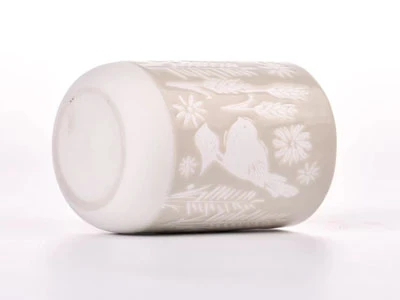
Samples showcase

Products delivery


FAQ
Q1: How does the package?
Q2: Will the package damaged during transportation?
Q3: How to install and run the machine?
Q4: How can i do if the machine goes wrong?
Previous
Canvas CO2 Laser MarkingYou Might Also Like


Send Inquiry