



Laser Engraving Machine For Pens
Laser Engraving Machine For Pens
Products Description
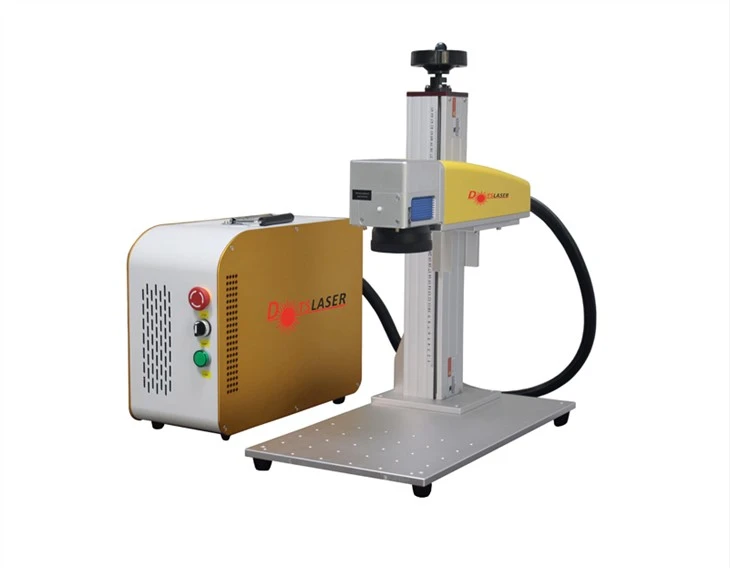
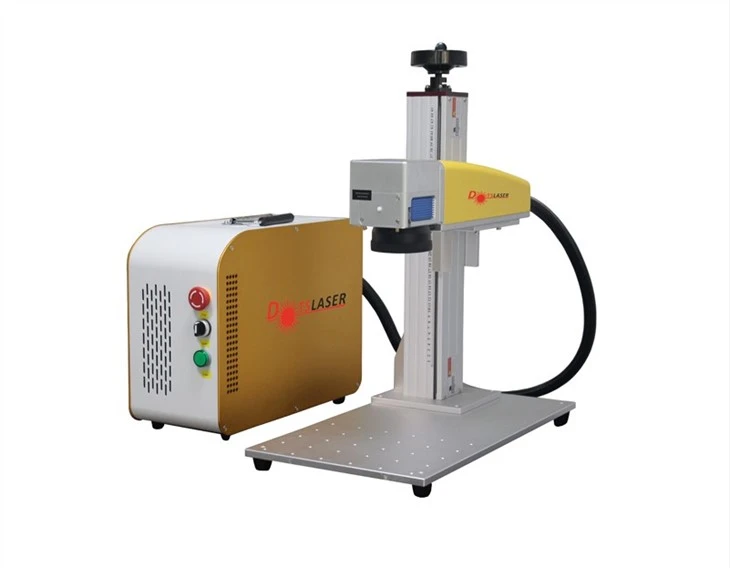
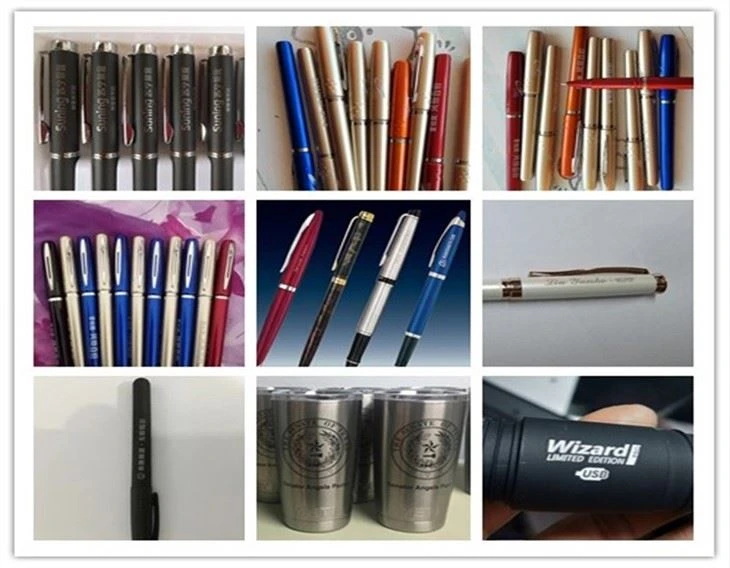
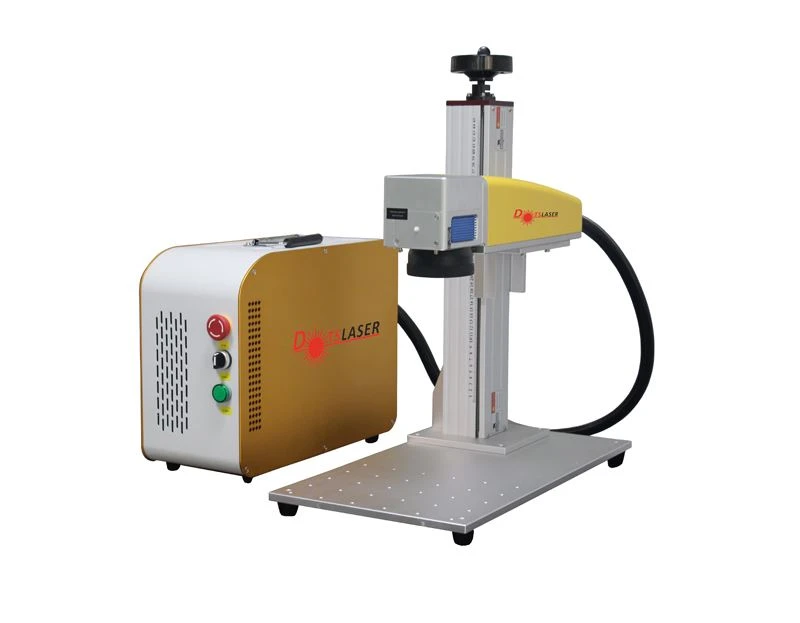
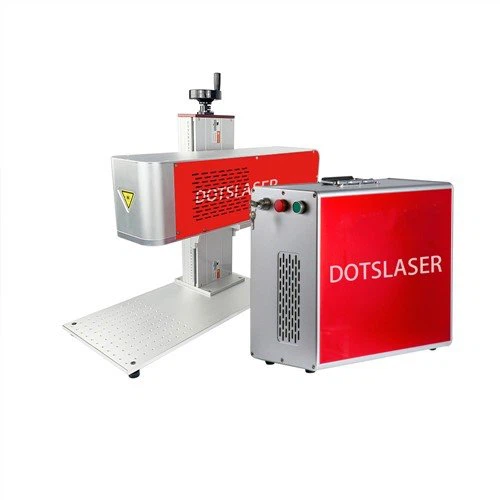
The Laser Engraving Machine For Pens not only guarantees the wear resistance of stationery marks, but also provides accurate measurement performance for some scales, and has the characteristics of no consumables, more beautiful, environmentally friendly, fast, and good marking effects. Due to the combination of laser marking technology and computer system, the laser marking printing output can be realized by programming on the computer, which can mark patterns, text and other information without restriction. At the same time, laser engraving technology is not limited by the color of the material. For example, marking a pen: the nib, ink bag, holding position, and pen shaft can all be marked with laser.
With the demand of modern technology, people have more demands for customized products. Laser engraving pens can guarantee the effect, and each one is unique. Customers can process and produce according to their own needs, and can be batch or single production. The application of laser marking in pens will become more and more extensive.
Advantages of laser engraving machine:
1. 100% portable
● The whole machine weighs only about 20KG, it's small, compact and light,it is very convenient to carry.
● The column and beam path can be disassembled and packed at will,it's easy to install and easy to store.
● The position of the column can be adjusted freely on the marking table, which can be flexible and changeable.
2. Cost-effective
● Affordable and economical models with performance comparable to desktop computers and higher cost performance.
● Integrated design, firm structure, stable performance, convenient after-sales.
● Desktop operation, small footprint, not limited by space.
3. High-quality light source
● Using advanced fiber laser, the output beam quality is good, the reliability is high.
● No consumables and maintenance-free, working life is about 100,000 hours.
● It can be flexibly applied to metallic materials and some non-metallic materials.
Products Parameters
| Model series | Intelligent mini laser marking machine | ||
| Model | DS-LM20-E | DS-LM20-E | |
| Laser parameters | Laser source model | MFP-20X/20QS | MFP-30X/30QS |
| Output Power | 18.5/20W | 30W | |
| Beam quality M2 | ≤1.4 | ≤1.4 | |
| Pulse repetition frequency | 27-60 kHZ | 27-60 kHZ | |
| Laser wavelength | 1064±5 nm | ||
| Output power stobility | <3% | ||
| Working life | About 100,000 working hours (non-lifetime) | ||
| Optical properties | Marking range | 100-150mm (range optienal) | |
| Engraving depth | ≤1mm (depending on power and time) | ||
| Engraving speed | ≤10000mm/s | ||
| Repeat accuracy | ±0.002 | ||
| Minimum marking line width | 0.1mm | ||
| Minimum character height | 0.15mm | ||
| Use environment | Cooling way | Built-in air cooling | |
| System power supply | 500W / 220V / 50Hz (110V can be connected) | ||
| Temperature humidity | 0-40%,30% RH 85%, air conditioner should be installed when used outside the range | ||
| Oil mist, condensation | Not allowed | ||
| Other parameters | Support system | Windows operating system | |
| Dimensions | 390X210x615 mm | ||
| Packing size | 680X5500x270 mm | ||
| Total weight | About 20kg | ||
stationery
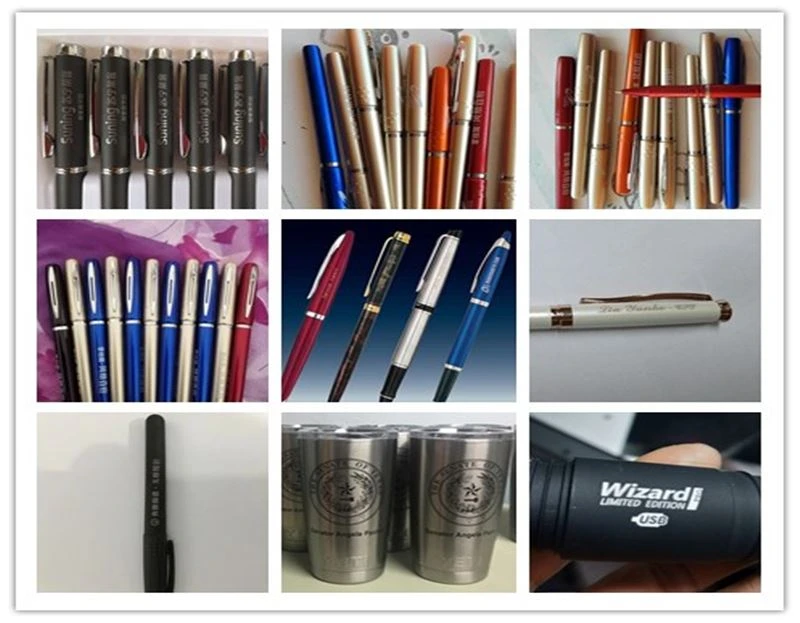
1.The graphics, text, and serial number marked on the stationery by the stationery laser marking machine are very clear, wear-resistant, and belong to non-contact processing, so the processed workpiece is not damaged or deformed. The engraving speed is fast, the operation process time is less, and the automation degree is high, which improves the production efficiency.
2. Metal pen marking, engraving, laser marking and engraving text pattern equipment can print marks on any regular or irregular surface, and the workpiece will not generate internal stress after marking, ensuring the original accuracy of the workpiece. It does not corrode the surface of the workpiece, wear, or produce toxic and pollution.
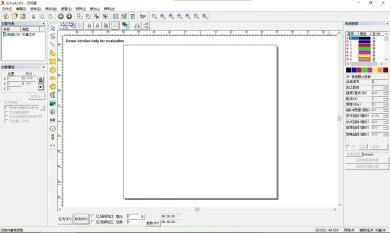
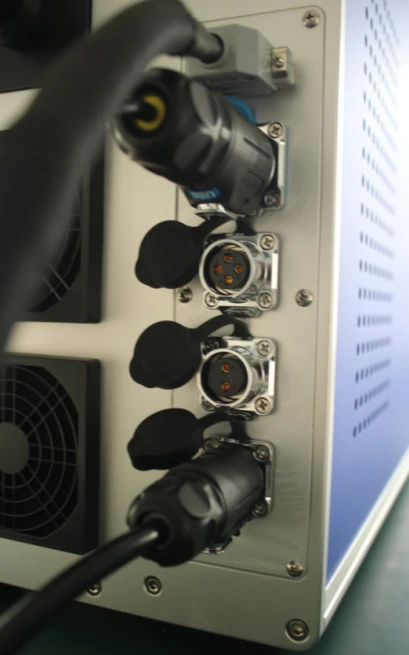
Laser Marking Machine Connections
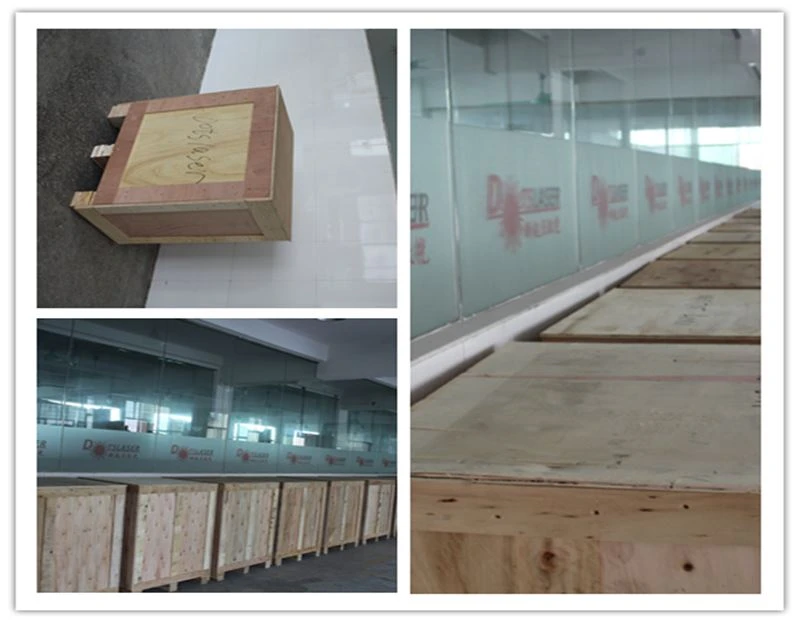
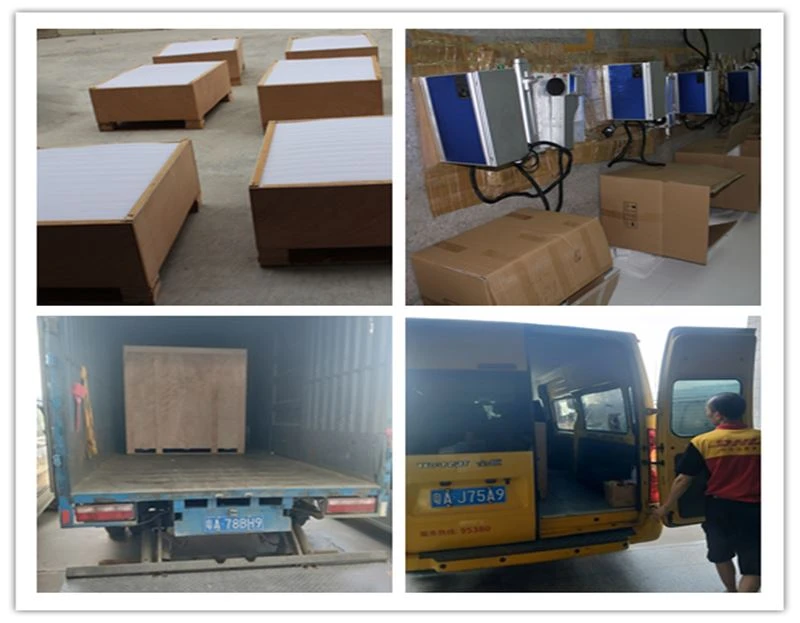
Shipping and package
FAQ
Q: Why we choose laser for pen engraving ?
Q: How to choose a good power for pen engraving ?
Unpacking cautions:
Previous
Steel Laser Engraving MachineYou Might Also Like



Send Inquiry